 Gacha Nebula
Gacha Life 2 Codes: OC & Pose Codes Import Guide (2026)
You searched for gacha life 2 codes, hoping for free gems or a secret promo code. Here is the honest truth before you waste an hour on generator sites: Gacha Life 2 has no redeem codes, no promo codes, and no gift codes at all. Lunime never added that system. But the codes everyone is actually sharing are real, and they are arguably more useful: OC codes that let you import someone's entire character design in seconds, and pose codes that import ready-made poses and animations. This 2026 guide explains both types, shows you exactly how to import and export them, tells you where the community shares codes, and warns you about the fakes.

Quick answer: There are no redeem codes in Gacha Life 2. The real gacha life 2 codes are OC codes (short 9-character strings that import a full character) and pose codes (long number strings that import poses or animations). You import them from the character or pose slot's Import/Export option, and you export your own the same way.
Gacha Life 2 Codes: The Honest Truth First
Let us clear the biggest misunderstanding, because it costs players the most time. If a site promises gacha life 2 redeem codes for free diamonds or gems, it is lying. Lunime's game has no code redemption screen, no promo code field, and no official code list. Sites that publish code lists for this game either confuse it with the original Gacha Life (which does have numeric promo codes for gems) or invent codes to get clicks.
What does exist, and what millions of players actually use daily, is a sharing system built into the game itself. Every character you design can be turned into a short code. Every pose you create can be turned into a long code. Those strings get posted on YouTube, Pinterest, Facebook groups, and Discord, and anyone can paste them into their own game. No account needed, no internet required for the import itself, no cost. That is the real code economy of Gacha Life 2, and it is completely free.
There are two kinds of codes, and they work differently. Mixing them up is the most common beginner mistake, so let us take them one at a time.
What Are OC Codes in Gacha Life 2?
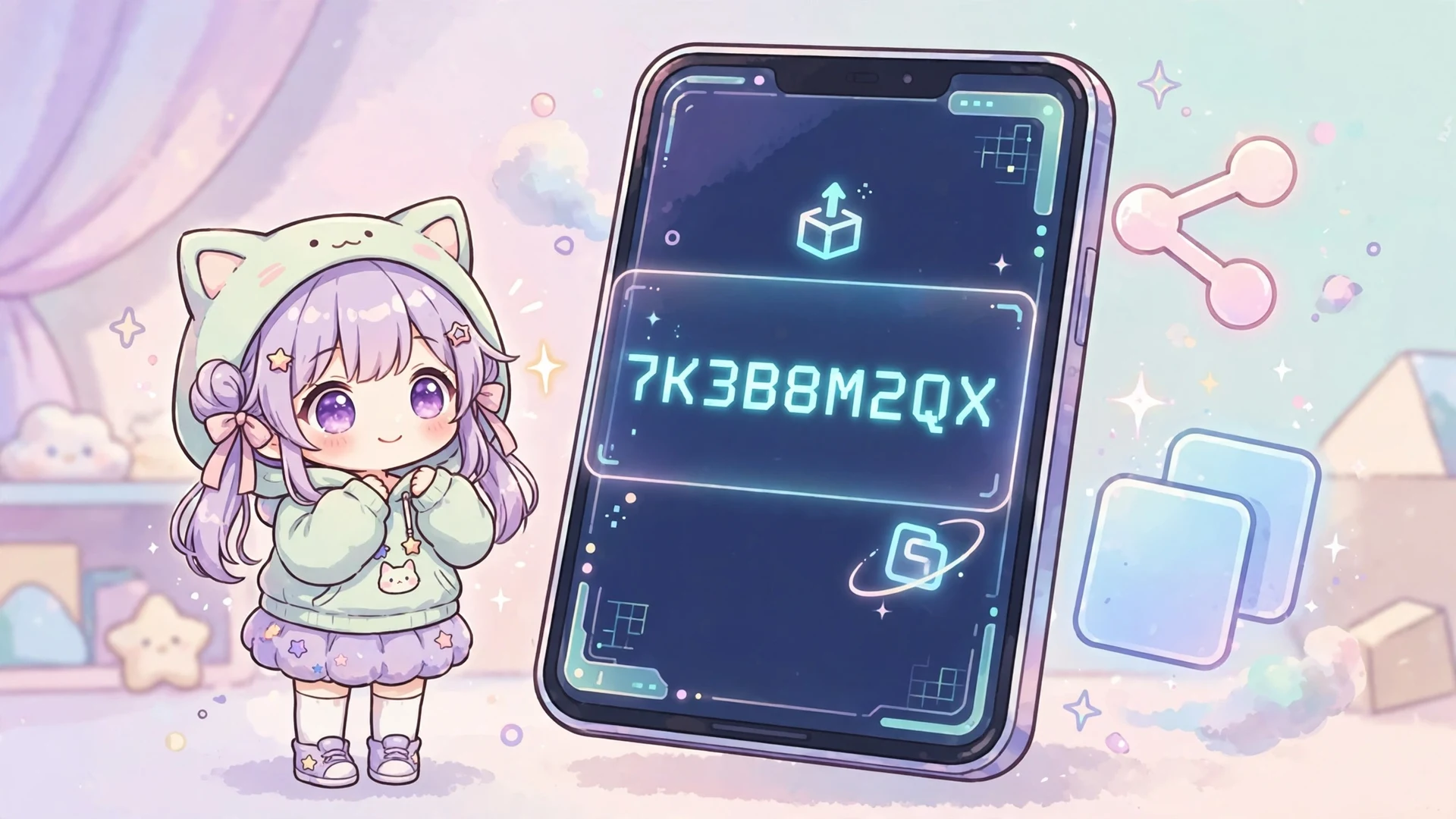
An OC code is a short string of letters and numbers, usually 9 characters long, that contains an entire character design. Examples shared by the community look like BRI59C4OA, WF4GAI12, or P2OA447WV. When you import one, the game rebuilds the character exactly: hairstyle, eyes, outfit, colors, shading, accessories, everything.
Think of it as a save file you can text to a friend. Instead of screenshotting every customization menu to recreate someone's design by hand (which takes forever), you paste nine characters and the OC appears in one of your 300 character slots. Gachatubers use OC codes to share cast members with viewers, friends trade designs in group chats, and creators post codes alongside their art so followers can use the character in their own stories.
One thing to know: an OC code captures the character's design, not its slot or story role. Importing a code fills one of your own empty slots, and you can rename the character, tweak it, or use it in Studio Mode like anything you built yourself.
How to Import an OC Code in Gacha Life 2
Importing takes under a minute once you know where the button hides:
- Open Gacha Life 2 and go to the character you want to replace, or pick an empty character slot.
- Open the Profile tab for that character.
- Tap the Import option. A text box appears.
- Paste the OC code exactly as shared, with no extra spaces before or after it.
- Confirm. The character rebuilds instantly in that slot.
The most common failure is a stray space. Codes copied from YouTube descriptions or comments often pick up an invisible space at the start or end, and the game rejects the whole string. Paste the code into your notes app first, trim it, then paste it into the game.
How to Export Your Own OC Code
Exporting is the reverse, and it doubles as the smartest backup habit in the game:
- Select the character you want to share or back up.
- Open the Profile tab.
- Tap Export. The game generates your character's unique code.
- Tap the copy button and save the code somewhere safe: a notes app, a chat with yourself, anywhere outside the game.
Seriously, export every character you care about. Updates can glitch designs, phones get lost, and reinstalls wipe slots. A saved code is a free, permanent backup. Players who skip this step are the ones posting panicked messages after every update. For the full backup routine, our complete Gacha Life 2 guide covers keeping your characters safe across updates.
What Are Pose Codes in Gacha Life 2?
Pose codes work on the same idea as OC codes, but for poses instead of characters. Where an OC code is a short readable string, a pose code is a long string of pipe-separated numbers, something like 1|14|6|0|0|0|20|20|0|0|0|20|20|... continuing for hundreds of characters. Each number encodes a joint angle, a position, or a timing value.
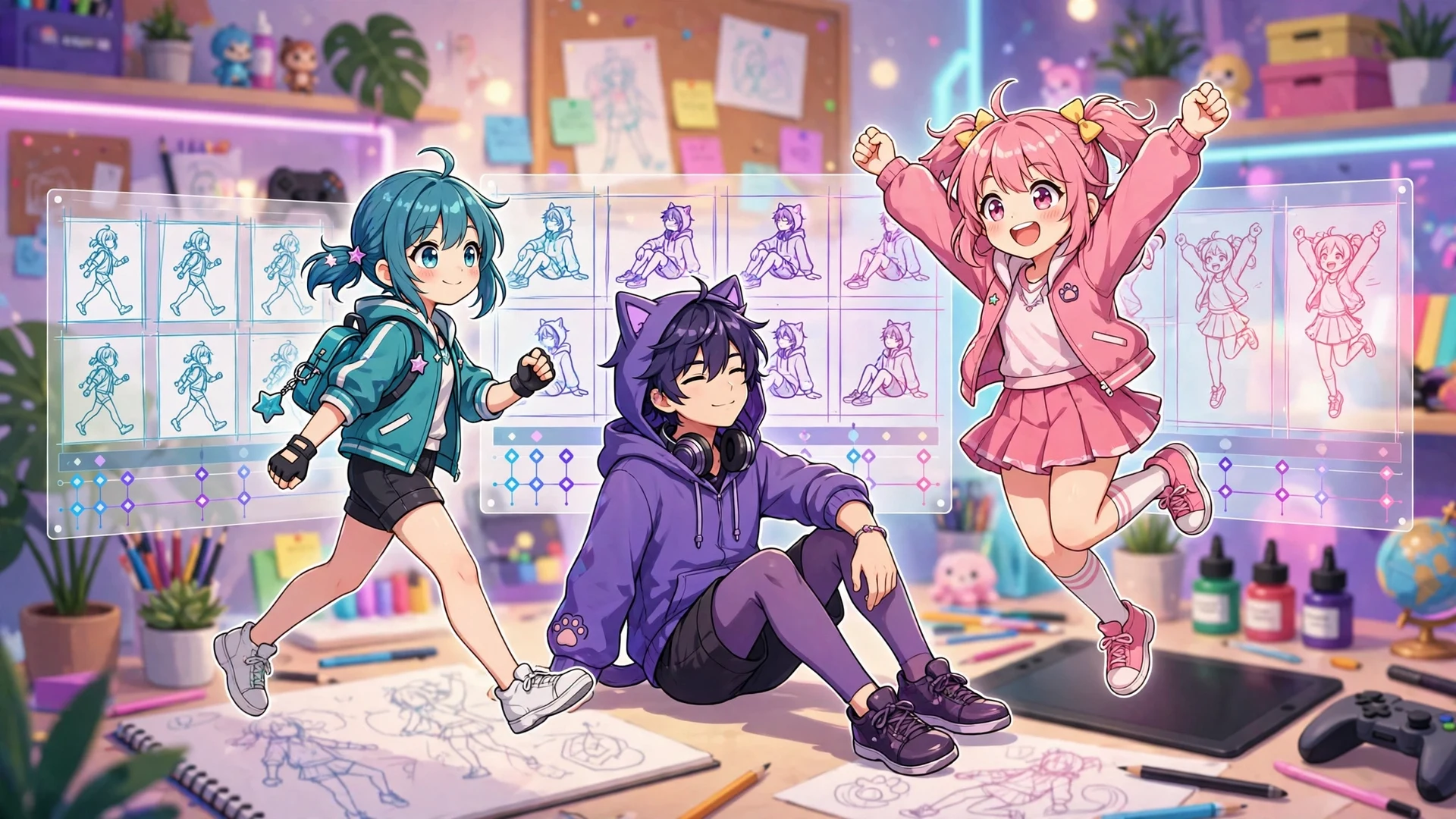
Poses are a big deal in Gacha Life 2 because the game does not ship with a huge built-in pose library. Players build their own poses with the in-editor tools, adjusting limbs and layering by hand, and then share the results as codes. Animated poses go further: creators chain up to four pose steps together with adjustable speed, producing walk cycles, fall cycles, dance moves, and flying animations that would take a beginner hours to build from scratch.
Popular community creations include walk cycles, sitting poses, running poses, and flying or falling animations, many shared by YouTube creators with the codes in the video description or a linked document. Importing one gives you a professional-looking animation in seconds.
How to Import a Pose Code in Gacha Life 2
Pose import lives in the pose editor, not the character profile:
- Select your character and open the pose editor.
- Choose the pose slot you want to fill.
- Tap the Import/Export button.
- Paste the pose code into the white text box and save.
The pose applies immediately. If it is an animated pose with multiple steps, import each step's code into its own step slot, then adjust the animation speed below the steps until the motion looks right. Walk cycles typically use four steps; simpler poses need only one.
How to Export a Pose Code
Made a pose you are proud of? Sharing it is just as easy:
- Open the pose editor and select the pose you want to share.
- Tap Import/Export, then tap Export.
- The game displays the pose's code. Copy it.
- For animated poses, export each step separately and label them clearly (Step 1, Step 2, and so on) so people import them in the right order.
Labeling matters more than you think. Half the broken animation complaints in community groups come from steps imported in the wrong order. A little clarity makes your codes genuinely useful instead of frustrating.
Where to Find Gacha Life 2 Codes
The game has no official code directory, so the community became the directory. Here is where codes actually live:
- YouTube: the biggest source. Search for pose codes or OC codes and check video descriptions or linked documents; creators like the ones behind popular walk and fall cycle codes publish full multi-step code sets there.
- Pinterest: huge boards of pose import codes, sitting poses, walking poses, and OC designs, with codes in the pin images or descriptions.
- Facebook groups: dedicated Gacha Life 2 groups where members post OC codes daily, often with themed designs and shipping invitations.
- Instagram: creators post OC reveals with the export code in the caption or on the image itself.
- The Gacha OC app: a community utility on Google Play with thousands of OC, pose, and animated pose codes plus a search feature.
- Dedicated pose guides: sites like gachalife.app's pose section publish import tutorials alongside free animated pose codes.
A note on credit: codes shared as free to use are free to use, but reposting someone's code as your own creation will get you called out fast in every community above. Credit the creator when you share.
Code Safety: Fake Codes and Real Risks
Because codes are valuable, scammers target the search traffic. Stay sharp:
- Code generator sites are fake. Any site claiming to generate unlimited OC codes, diamonds, or gems for your username is a scam. Real codes come from inside the game or from real players sharing them.
- Never pay for a code. Every legitimate code is free. Anyone selling codes is scamming you.
- Never download files for codes. A code is text you paste. If a site asks you to download an app, an APK, or a file to get a code, close the tab. That is how modded and malware-laced files spread.
- Glitchy codes are not viruses. Occasionally an imported code produces a distorted character or a frozen pose. That is a corrupted or version-mismatched code, not malware. Delete it and move on.
- Stick to the official game. Import and export only work properly in the genuine Lunime build. Modded APKs can mangle codes or flag your data, and they are the actual security risk, not the codes themselves.
Gacha Life 2 Codes Not Working? Fixes That Work
When a code refuses to import, it is almost always one of these:
| Problem | Why it happens | Fix |
|---|---|---|
| Code rejected instantly | Extra space copied with the code | Paste into a notes app, trim both ends, then paste into the game |
| Pose looks broken or frozen | Animation steps imported in the wrong order, or a step is missing | Re-import each step into the correct numbered slot |
| OC looks glitched or distorted | Code was created on a different game version | Update to the latest version, or ask the creator which version they used |
| Import button missing | You are on the PC version | Online import and export are mobile-only features; use the Android or iOS app |
| Code is extremely long and still fails | Part of the string got cut off when copying | Copy from the original source again, ideally from a linked document rather than a comment |
The PC limitation surprises people. Lunime's Windows build focuses on dress-up and Studio Mode; the import/export and Gacha Simulator features are currently exclusive to the mobile app. If you mainly play on PC and want to use shared codes, you will need the mobile version for the import step.
Frequently Asked Questions
Are there any Gacha Life 2 redeem codes?
No. Gacha Life 2 has no redeem, promo, or gift code system, and Lunime has never released official codes for it.
What is an OC code in Gacha Life 2?
An OC code is a short 9-character string of letters and numbers that stores a full character design for instant import.
How do I import a code in Gacha Life 2?
Open the character's Profile tab for OC codes or the pose slot's Import/Export button for pose codes, paste the code, and save.
What do pose codes look like?
Pose codes are long strings of pipe-separated numbers (like 1|14|6|0|0|0|20|20...) that encode joint angles, positions, and timing.
Where can I find free Gacha Life 2 codes?
YouTube descriptions, Pinterest boards, Facebook groups, Instagram creators, and the Gacha OC community app are the main sources.
Why is my imported code not working?
Usually an extra space got copied with the code, part of the string was cut off, or the code was made on a different game version.
Can I use Gacha Life 2 codes on PC?
No. Import and export are mobile-only features, so codes must be imported in the Android or iOS app.
Are Gacha Life 2 codes safe?
Yes. Codes are plain text you paste into the official game; just never pay for codes or download files to get them.
Conclusion
So the real answer to gacha life 2 codes is better than free gems: a built-in sharing system that lets the entire community trade characters and animations as text. No redeem codes exist and none are needed. Export your own OCs as backup, import designs and poses that inspire you, credit the creators who share them, and ignore every generator site promising the impossible.
Start with one import today. Find a pose code for something you have always struggled to animate, paste it into a pose slot, and watch your character move in a way you did not build by hand. That is the moment gacha life 2 codes click, and it is the reason this system became the backbone of the game's community. For everything else the game offers, from Studio Mode to the upcoming Life Mode, our complete Gacha Life 2 guide has you covered. And if you also play the fan-made side of the gacha world, our Gacha Nebula codes guide works the same way, alongside every other tutorial on the Gacha Nebula APK Mod homepage.