 Gacha Nebula
Is Gacha Life 2 Safe? Parents Guide (2026)
Is Gacha Life 2 safe for your child? The short answer: the game itself is family-friendly, with no real-time chat with strangers and no inappropriate built-in content, but the community around it on social media is a different story. This honest 2026 parents guide separates the app from the internet around it, explains the real risks, and gives you practical steps to keep playtime safe.
Quick answer: Gacha Life 2 is safe as an app: rated for ages 9 and up, with no stranger chat and no inappropriate built-in content. The real risks are external: inappropriate fan content on social media and ads inside the game. Supervision and a few settings handle all of them.
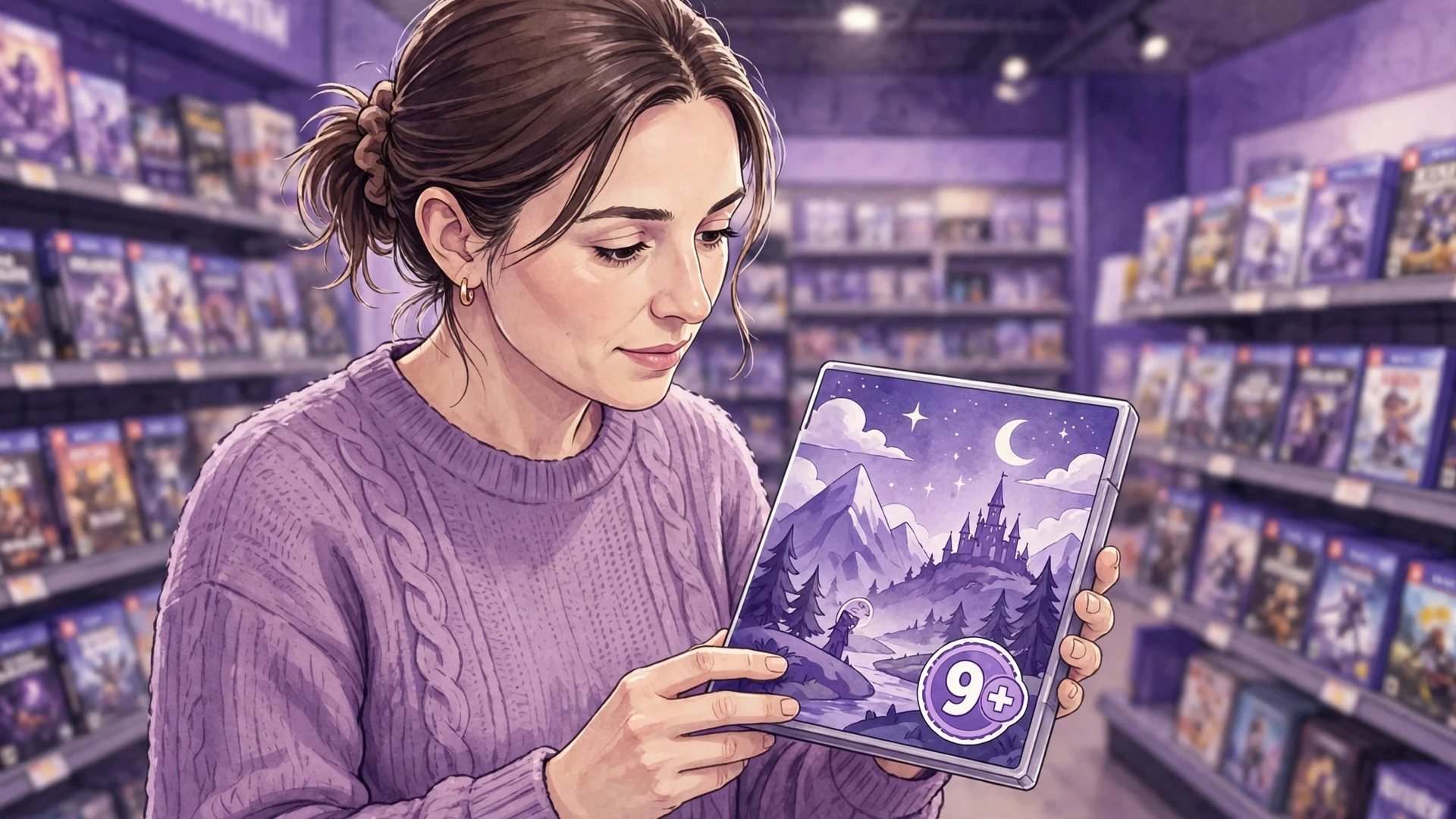
What the Age Ratings Actually Say
| Source | Rating | What it covers |
|---|---|---|
| Apple App Store | 9+ | Infrequent or mild cartoon or fantasy violence |
| Google Play Store | Everyone | Basic content suitability |
Ratings describe the app in the store, not everything a child might encounter while using it or discussing it online. That distinction is the entire safety conversation in one sentence. The game earned its ratings because its built-in content is genuinely mild: dress-up, studio scenes, and NPC interactions.
Why the App Itself Is Low-Risk
Three design facts work in parents' favor. First, no stranger chat: Gacha Life 2 has no real-time chat with other players; interactions are with the game's own content, not with strangers online. Second, no user content inside the app: your child only sees what they create or what is built into the game. Third, offline-friendly: much of the game works without an internet connection, which means less exposure to anything online by default.
Compare that with games built around open chat, voice lobbies, or user marketplaces, and Gacha Life 2 sits firmly at the safer end of the spectrum. The app is a creative sandbox, closer to a digital dollhouse than a social network.
The Real Risk: Community Content Online
Here is the honest part. A large fan community creates Gacha videos and stories on YouTube, TikTok, and similar platforms, and a fraction of that content is inappropriate: violent, sexual, or otherwise unsuitable themes made with the game's art style. A child searching for Gacha videos can stumble into it, and because it uses familiar characters, young viewers may not recognize it as inappropriate.
This risk lives on social media, not in the app. It is the same dynamic as any popular kids' property with a massive fan community. The practical defenses: supervise video watching, use platform restricted modes, keep viewing on the TV or shared screen rather than alone in a bedroom, and talk openly about what to do when something weird appears: close it and tell you, no punishment, no shame.
Money and Ads: What Parents Should Know
Gacha Life 2 is free to play, and its gems are earned through gameplay: mail rewards and optional ads, with the official listing promising the game is free to play forever. There is no required spending to enjoy anything in the game. Still, the game does show ads, and as a precaution it is worth checking your device's purchase settings before handing it to a child: require a password for every purchase so a bored tap on a shiny button can never become a credit card charge.
Talk through the gem economy with your child. Gems come free from mail rewards and ads, so there is nothing to buy to keep up. Kids who understand that the game is fully playable for free make better decisions whenever a store-style screen appears. Set a clear rule in advance: no purchases without asking, every time.
Practical Safety Steps for Parents
- Lock down purchases as a precaution on the child's device: require a password for every purchase.
- Co-play first: spend one session exploring the game together so you know what it contains and your child sees you as a safe person to ask.
- Keep video watching supervised: use YouTube restricted mode and prefer shared screens for Gacha content.
- Talk about codes: character import codes are fun, but teach kids never to share personal information in character profiles or with anyone online.
- Set screen-time boundaries: the game is absorbing by design; agree on limits before they are needed.
- Review creations together: ask to see what they made. It is bonding, and it keeps you aware of what they are engaging with.
- Check the device, not just the app: browser history and installed apps tell you more than any single game ever will.
What About Life Mode and NPCs?
Life Mode is the part of Gacha Life 2 still under development, so parents should check its current status before drawing conclusions. Our Life Mode guide tracks exactly what Lunime has announced and what is actually playable, and we update it as the mode evolves. The general safety picture does not change: whatever Life Mode becomes, the age ratings describe the content, there is no stranger chat, and the practical steps above still apply.
The Conversation That Matters Most
No setting replaces an ongoing conversation. The single most protective factor researchers find is a child who feels comfortable telling a parent about something strange online. Build that by reacting calmly when they report weird content, praising them for telling you, and keeping curiosity ahead of punishment.
Three questions worth asking regularly: what are you making in the game right now, what videos have you been watching about it, and has anything weird popped up? Asked casually and often, these become normal check-ins rather than interrogations. Kids who talk freely stay safer than kids who hide.
Gacha Life 2 vs Other Popular Games: Safety Comparison
Parents rarely evaluate one game in isolation. Here is how Gacha Life 2 compares on the safety dimensions that matter most.
| Risk factor | Gacha Life 2 | Roblox | Minecraft (single-player) |
|---|---|---|---|
| Stranger chat | None in-app | Present, filterable | None |
| User content in-game | Own creations only | Millions of player games | Own world only |
| In-game spending | Free to play; gems earned free | Robux economy | Marketplace items |
| External fan content | Significant | Significant | Significant |
| Offline play | Mostly yes | No | Yes |
The pattern is clear: Gacha Life 2's in-app risks are among the lowest of popular kids' games, while its external community risk is typical for anything with a large young fanbase. Parents already managing Roblox or YouTube have the skills this game needs; nothing here requires new expertise.
Signs Your Child Saw Something Inappropriate
Kids rarely announce it directly. Watch for sudden secrecy about what they are watching, reluctance to show you their screen when they used to share freely, new words or themes in their own creations that do not match their age, or anxiety after screen time. None of these prove anything alone, but together they warrant a calm conversation.
How you respond matters more than what happened. Stay calm, thank them for letting you see it or for the clue that led you there, and explain simply that some people make weird videos with game characters and those videos are not for kids. Then fix the practical side together: adjust the platform settings, block the channel, and agree on what to do next time. A child who sees calm problem-solving reports the next incident too; a child who sees anger hides it.
The Positive Side: What Kids Actually Gain
Safety guides focus on risks, but balance matters. Gacha Life 2 is genuinely good for creativity: character design teaches visual thinking, Studio Mode teaches composition and storytelling, and series creation teaches planning and narrative structure. Many young creators learn editing, scripting, and even basic color theory through this game.
Encourage the productive side deliberately. Ask about their characters' stories. Suggest they storyboard before filming. Celebrate finished episodes. A child whose creative work gets genuine adult interest has less reason to seek validation from strangers online, which is itself a safety win. The game is a tool; pointed in the right direction, it builds real skills.
Privacy: What Data Is Involved
Gacha Life 2 collects minimal data compared with social apps: there is no account requirement for core play, no friend lists, no messaging. Character profiles and creations stay on the device unless the player chooses to share them. As with the original games, parents can contact the developer about their child's information if needed.
The privacy conversation to have is about sharing, not the app's data collection. Kids share character codes, screenshots, and videos voluntarily, and that is where personal information can leak: real names in profiles, school uniforms in screenshots, locations in backgrounds. Teach the rule early: creations are public the moment they leave the device, so nothing personal goes in them.
When to Say No: Genuine Red Flags
Most families will find the game fine with basic supervision, but say no or pause play if you notice obsessive play that displaces sleep, school, or friendships; secretive behavior around the device that resists calm conversation; spending without permission; or distress linked to content they encountered. These are general screen-time red flags, not Gacha-specific ones, and they deserve the same response whatever the app: a break, a conversation, and new boundaries.
Also reconsider if your child is very young. The 9+ rating exists for a reason: younger children lack the judgment to navigate fan content or the impulse control for ad prompts. Waiting a year or two costs nothing and buys maturity.
How to Talk About Inappropriate Content: A Script
Many parents know they should talk about it but freeze on the words. Here is a simple, age-appropriate way to start, adaptable for ages 9 to 13:
Open with normalcy: You know how people make videos with Gacha characters? Most are fun stories, but some people make weird or gross ones that are not for kids. That is not your fault if one pops up, and it does not mean the game is bad.
Give the action plan: If a video looks weird, feels uncomfortable, or shows things that seem wrong, close it right away. You can always tell me, and I promise you will not be in trouble. I would rather you tell me than feel weird alone.
Close with empowerment: You are smart about this stuff. The rule is simple: weird means close, and close means tell. Deal?
Revisit this briefly every few months, not as a lecture but as a check-in. The goal is a reflex, not a fear: see something off, close it, tell a parent. Kids who have rehearsed the response use it; kids who have only been warned once often freeze.
Device-Level Controls Worth Setting Up
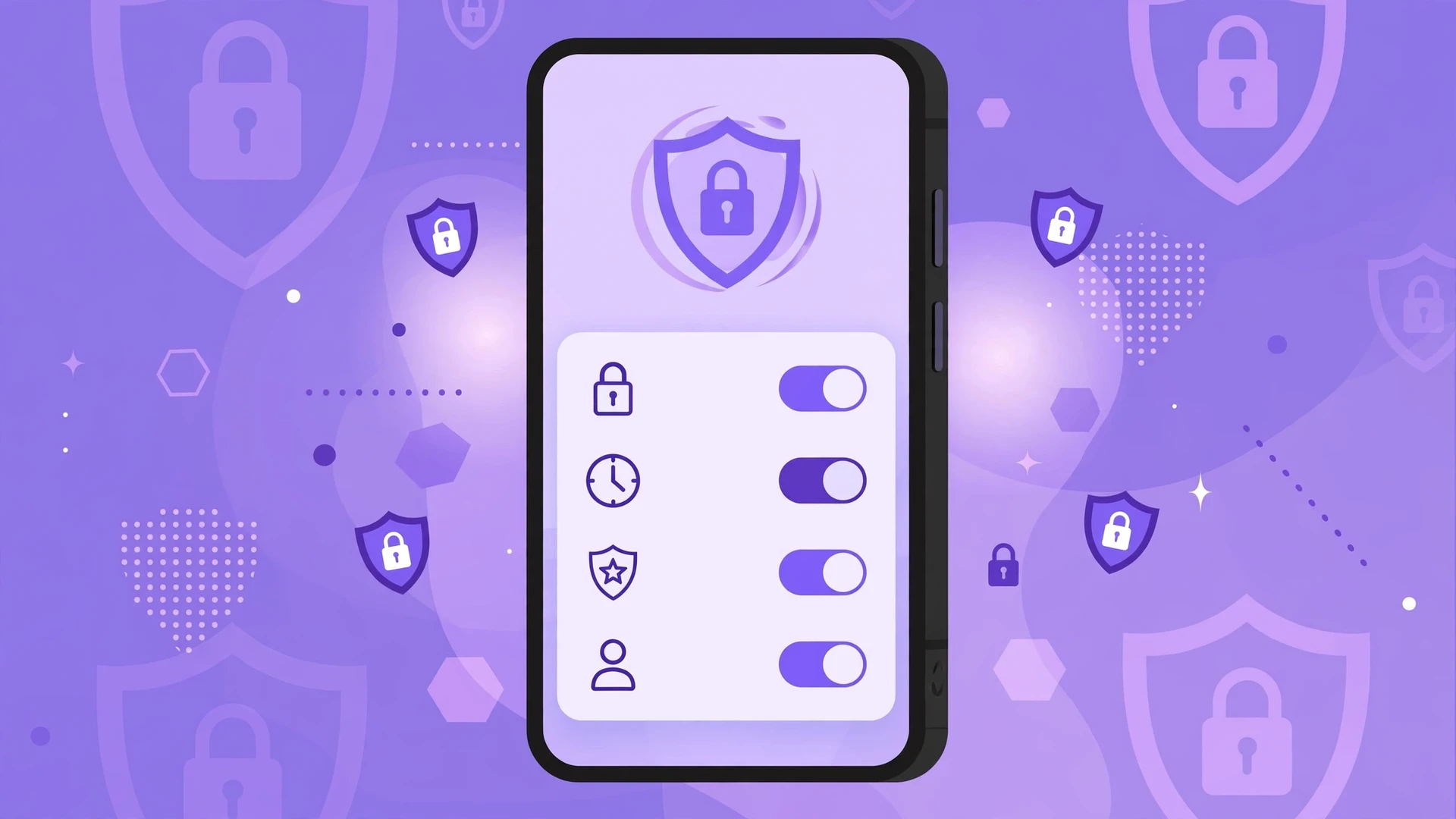
Beyond the game itself, your device's built-in parental controls do the heavy lifting. On Android, Google Family Link lets you approve or block app installs, set daily screen-time limits, and require approval for purchases. Set it up before your child gets deep into the game, not after the first surprise charge. On iOS, Screen Time with Content and Privacy Restrictions covers the same ground: require a passcode for purchases, limit adult websites, and set app time limits.
Two settings deserve special attention. First, purchase authentication: set it to require a password or biometric confirmation for every purchase, not every 30 minutes. Second, YouTube restricted mode or the YouTube Kids app for Gacha video watching, since fan content is the main external risk. These take ten minutes to configure once and then protect quietly in the background.
Review the settings together with older kids rather than imposing them silently. A twelve-year-old who understands why purchases need approval cooperates; one who discovers a lock without explanation looks for workarounds. Controls plus conversation beat either one alone, every time.
Safety at a Glance
| Concern | Level | What to do |
|---|---|---|
| Built-in game content | Low | Age ratings confirm it is suitable for 9+ |
| Stranger contact in-app | Very low | No real-time chat with other players exists |
| Inappropriate fan content | Medium | Supervise video watching, use restricted modes |
| In-game spending | Low | Free to play; set purchase passwords as a precaution |
| Ads | Low | Standard mobile ads; discuss what ads are |
| Screen time | Medium | Agree on limits together in advance |
Frequently Asked Questions
Is Gacha Life 2 safe for a 9 year old?
The app is rated 9+ and its built-in content is suitable, though parents should supervise video watching and keep purchase passwords on.
Can strangers talk to my child in Gacha Life 2?
No, the game has no real-time chat with other players, so all interactions are with NPC characters or the child's own creations.
What is inappropriate Gacha content parents mention?
Some fans create unsuitable videos using the game's art style on social media platforms, which is separate from the app itself.
Does Gacha Life 2 have in-app purchases?
The game is free to play with gems earned through mail rewards and ads, so parents mainly need purchase passwords as a general precaution.
Is Life Mode appropriate for kids?
Life Mode is still under development, so check our Life Mode guide for its current status before judging its content.
Should I let my child watch Gacha videos online?
Watch together when possible, use restricted modes, and teach your child to close anything strange and tell you about it.
Can my child play Gacha Life 2 offline?
Much of the game works without an internet connection, which naturally reduces exposure to anything online.
What age is Gacha Life 2 best for?
The official rating is 9+, though many parents find 10 or 11 more comfortable depending on the child's maturity and supervision.
Conclusion
So is Gacha Life 2 safe? As an app, yes: no stranger chat, mild built-in content, and honest age ratings. The risks live around it, in fan content and purchases, and both are manageable with supervision, settings, and conversation.
Play together first. For the full game overview, see our Gacha Life 2 guide, and find more family-friendly articles on the Gacha Nebula APK Mod homepage.