 Gacha Nebula
Gacha Life 2 iOS: iPhone & iPad Download Guide
Looking for gacha life 2 ios? The game is fully available on iPhone and iPad through the Apple App Store, free, with every feature the Android version has. Yet iOS players still run into confusing search results: outdated pages claiming it never launched on Apple devices, shady sites pushing IPA files, and conflicting advice about requirements. This 2026 guide gives you the official install steps for iPhone and iPad, the real requirements, how iOS differs from Android, and how to move your characters between devices safely.

Quick answer: Yes, Gacha Life 2 is on iOS. Download it free from the App Store on any compatible iPhone or iPad, sign in with your Apple ID, and you get the complete game including the Gacha Simulator, Studio Mode, and character import/export. Never install IPA files from third-party sites.
Is Gacha Life 2 Available on iOS?
Yes. Gacha Life 2 arrived on iOS on October 10, 2023, a day before the Android release, and it has been on the App Store ever since. It is published by Lunime, it is free to play, and it includes the full experience: 300 character slots, the color slider, custom poses, Studio Mode with up to 16 characters per scene, and the Gacha Simulator.
If you find old articles saying Gacha Life 2 is Android-only, they were written during the short window before the iOS launch or by authors who never updated them. The App Store listing is the single source of truth: if the game is there under Lunime's name, it is real and current.
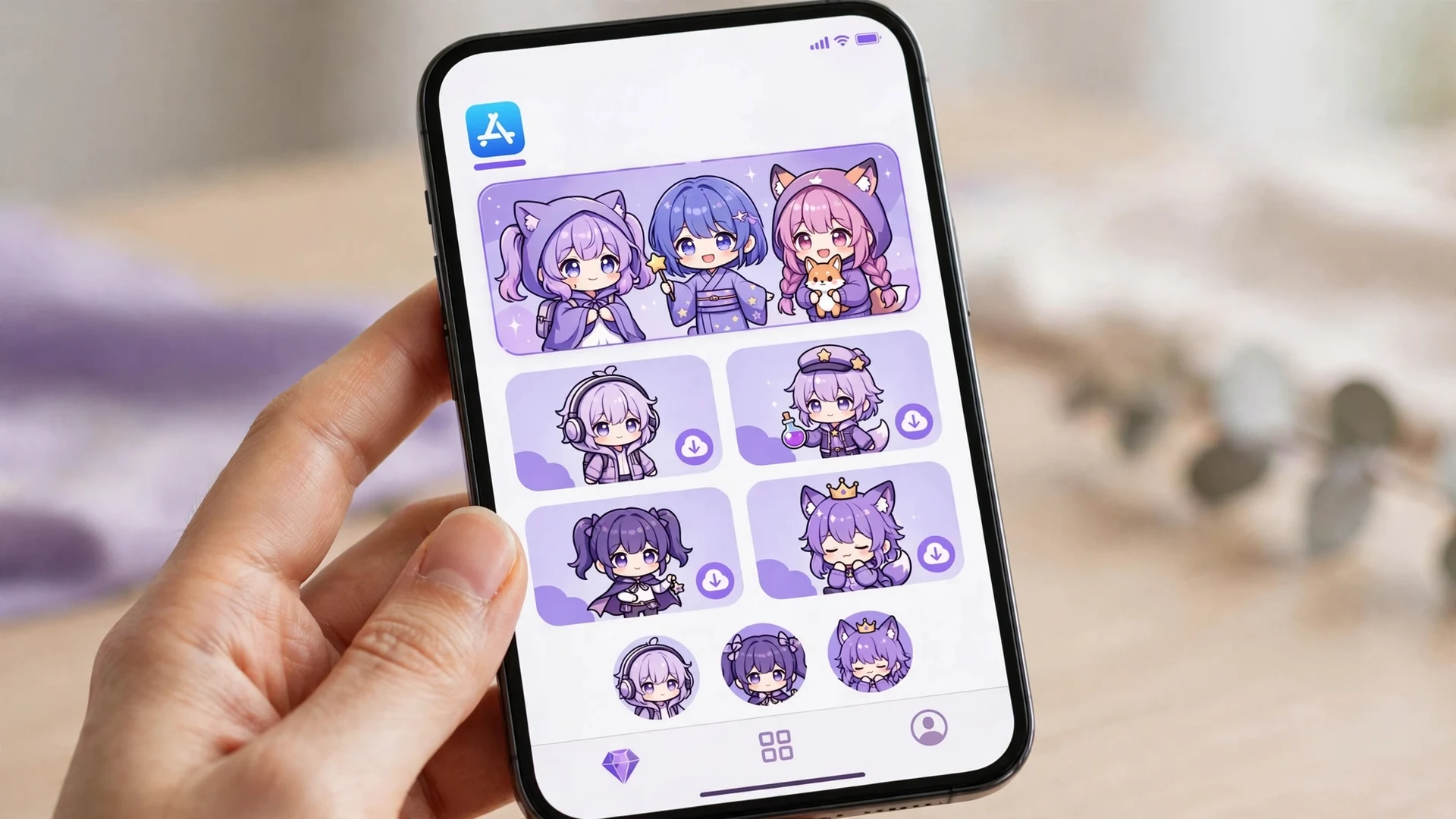
How to Download Gacha Life 2 on iPhone
- Open the App Store on your iPhone.
- Tap Search and type Gacha Life 2.
- Look for the result published by Lunime and tap Get.
- Confirm with Face ID, Touch ID, or your Apple ID password.
- Wait for the download to finish, then tap Open and start creating.
The whole process takes under a minute on a decent connection. The game is free, so there is no payment step, though the App Store may still ask you to confirm with your Apple ID.
How to Download Gacha Life 2 on iPad
The steps on iPad are identical: App Store, search, Get, confirm, open. But the iPad deserves a special mention because it is arguably the best way to play. Studio Mode, where you arrange up to 16 characters into scenes, benefits enormously from the larger canvas. Dragging characters, adjusting poses, and framing backgrounds is far more comfortable with the extra screen space, and the flexible UI supports both portrait and landscape orientations.
If you create Gacha videos or detailed scenes, do your serious work on the iPad and use the iPhone for quick edits on the go. Your characters move between the two easily, which we cover below.
What About Mac? A Quick Note for Apple Silicon Owners
If you own a Mac with an Apple Silicon chip (M1 or newer), you may be able to run the iOS version of Gacha Life 2 directly on your Mac, since these Macs can run iPhone and iPad apps. Check the Mac App Store: if Lunime has enabled the iOS app for Mac, it will appear there and install like any Mac app. Not every developer opts in, so if it is missing, that is the reason. This is separate from the native Windows build covered in our PC guide, and it is worth checking before you set up an emulator.

iOS Requirements: Will It Run on Your Device?
| Requirement | Details |
|---|---|
| Device | iPhone or iPad capable of running a recent iOS version |
| Operating system | iOS 16.1 or later (per the current App Store listing) |
| Storage | About 115 MB for the app, plus room for your characters and scenes |
| Apple ID | Required to download from the App Store |
| Jailbreak | Not required, and not recommended |
| Internet | Needed for download and for sharing codes; core creation and Studio Mode work offline |
Practical advice: if your iPhone or iPad is more than six or seven years old, check the App Store listing's compatibility section before getting excited. The game itself is light, but very old devices may struggle with newer builds. On anything from the last few years, it runs smoothly.
iOS vs Android: What Is Actually Different?
| Aspect | iOS | Android |
|---|---|---|
| Download source | Apple App Store | Google Play Store |
| Price | Free | Free |
| Core features | Identical | Identical |
| Gacha Simulator | Included | Included |
| Import/export codes | Included | Included |
| Update timing | May arrive slightly later due to App Store review | Usually first |
| Backups | iCloud device backup | Google backup |
The honest summary: there is no meaningful gameplay difference. Lunime ships the same game on both platforms. The only real-world difference is update timing, since Apple's review process can delay a new version by a few days compared to Google Play. If your Android friends get an update first, that is why. For the full feature rundown, see our complete Gacha Life 2 guide.
What You Get on iOS: Feature Highlights
The iOS version is not a cut-down port. Every headline feature of Gacha Life 2 is present, and a few of them feel better on Apple hardware.
Character creation without limits
You get 300 character slots, thousands of clothing and accessory items, and the color slider that lets you pick any shade instead of being stuck with presets. Adjustable item positioning means hats, weapons, and props can be rotated and placed anywhere on your character. On iPhone the touch controls make fine adjustments quick, and on iPad you get pixel-level precision with a stylus.
Custom poses and profiles
One of the biggest upgrades over the original Gacha Life is the pose system. You can build fully custom poses, save your favorites, and share them through export codes. Custom profiles let each character carry a name, personality notes, and a backstory, which is why roleplayers moved to this sequel in large numbers.
Studio Mode on the big screen
Studio Mode lets you place up to 16 characters in a scene with custom text, backgrounds, and props, then save your scenes for later. This is where the iPad pulls ahead of every other platform: arranging a full cast on a phone screen gets fiddly, while the tablet gives you room to compose properly. If you make Gacha videos, the iPad is genuinely the best screen in the lineup.
Gacha Simulator
The Gacha Simulator is where you collect preset characters, including rare ones, using the in-game currencies. On iOS it works exactly like Android, with the same characters and rates. Progress in the simulator is tied to your local save, so it does not sync between devices, which is another reason export codes matter for your custom OCs even though simulator pulls stay put.
iOS Version History: What Has Changed
The App Store listing (checked September 2026) still shows version 6.0, released January 2024, as the current build, and it requires iOS 16.1 or later. The documented milestones below come from the community-maintained Lunime wiki:
| Milestone | What happened |
|---|---|
| October 10, 2023 | Early iOS release; Android follows on October 11 |
| October 11, 2023 | iOS V.4.0 fixes landscape mode with auto rotation |
| November 8, 2023 | iOS V.5.0 adds 900+ new assets and preset characters, 550 total gacha units |
| January 2, 2024 | iOS V.6.0 adds the animation feature and new assets; current App Store build as of our 2026 check |
Keeping the app updated is worth doing beyond new items: Lunime's patches regularly fix the exact crashes and lag spikes that players complain about. Turn on automatic App Store updates so you never play a broken build for longer than a day.
Moving Characters Between iPhone, iPad, and Android
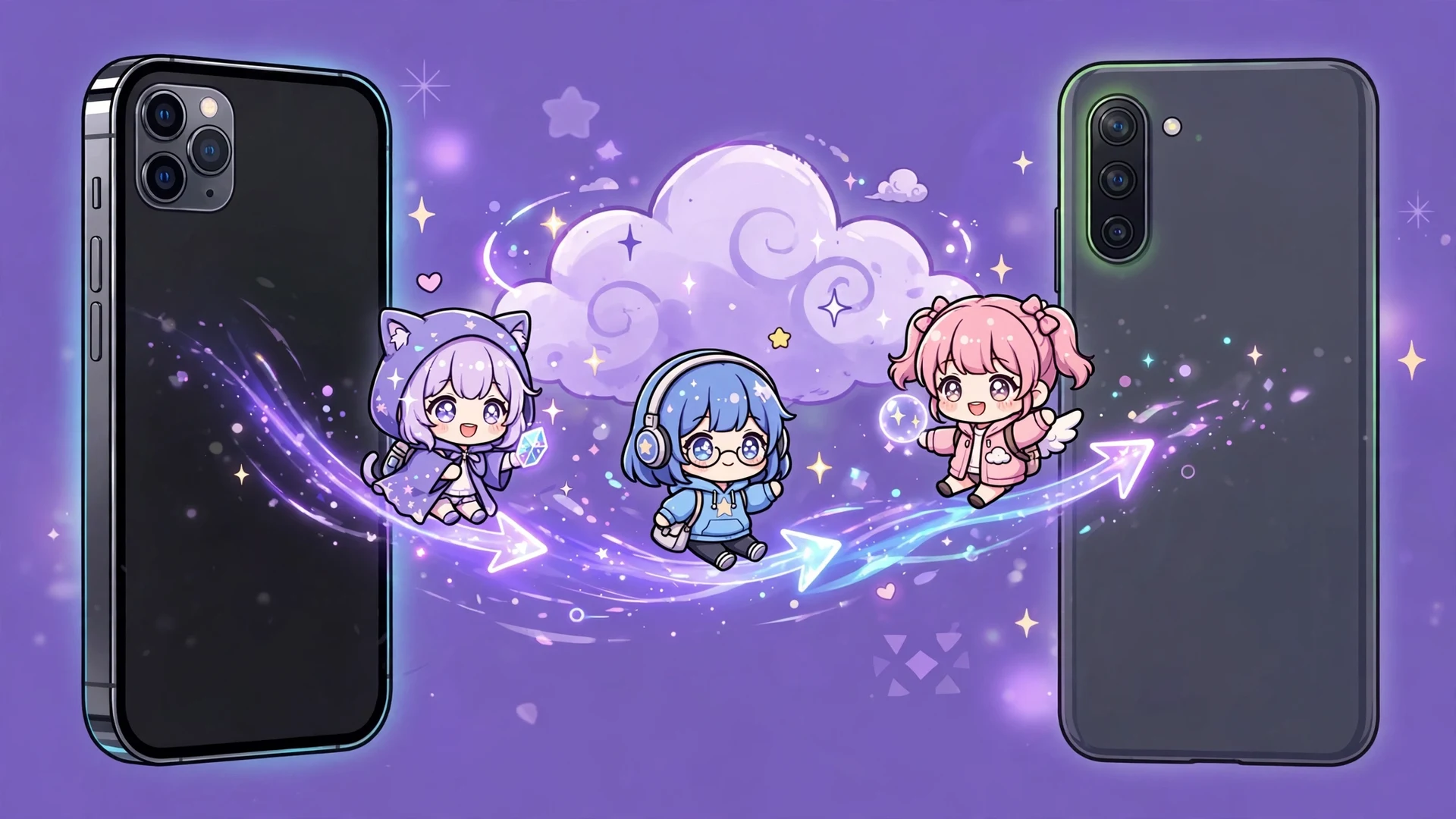
There is no cloud account that syncs your characters automatically, on iOS or Android. The transfer method is the same everywhere: export codes. Export an OC on your iPhone to get its code, then import that code on your iPad or Android device. Characters, outfits, and poses transfer exactly.
This matters most when you upgrade phones. Before wiping an old device, export every character you care about and store the codes somewhere safe, like a notes app or email draft. It takes a few minutes and it is the only reliable backup. Our Gacha Life 2 codes guide walks through the entire import and export process.
Backing Up With iCloud
iCloud device backups do capture app data, so a full iPhone backup and restore will generally bring your Gacha Life 2 characters along. But treat this as a safety net, not a plan. Restores can fail, and switching from iPhone to Android obviously leaves iCloud behind. Export codes remain the only transfer method that works across platforms and survives any disaster. Do both: keep iCloud backups on, and keep your codes saved.
Tips for New iOS Players
- Start with export codes on day one: save your first character's code the moment you finish it. Building the habit early means you never lose work later.
- Use landscape in Studio Mode: rotating your iPhone or iPad gives you a wider canvas and the interface adapts cleanly.
- Lower graphics quality on older devices if the option is available: graphics settings are the biggest lever for smooth performance on aging iPhones, and the visual difference is minor.
- Organize with profiles: custom profiles are not just decoration. Tag characters by story, role, or project so a 300-slot roster stays searchable.
- Screenshot your codes: beyond saving codes in a notes app, a screenshot album of your OCs doubles as a visual backup you can browse.
Keeping Storage Under Control
Gacha Life 2 itself is a light app, but characters, scenes, and cached data add up over months of play, and iPhones fill fast. If the App Store ever refuses an update for lack of space, the fix is rarely deleting the game. Offload unused apps (iOS keeps their data), move photos and videos to iCloud, and clear large message attachments first.
One thing never to do for space: delete and reinstall Gacha Life 2 without saving your export codes first. Reinstalling wipes local character data completely. The two minutes it takes to export your roster is the cheapest insurance in mobile gaming.
A Note for Parents: Screen Time and Safety
Gacha Life 2 is rated for everyone, but it includes user-generated content through the Gacha Simulator, where you see characters other players made. On iOS you have strong tools: use Screen Time to set daily limits, require your approval for downloads, and restrict web access so younger players cannot wander onto the shady download sites this guide warns about. The game itself needs no chat or social accounts, which keeps the risk surface small.
Warning: Fake IPA and MOD Sites
Search results for iOS downloads are full of sites offering Gacha Life 2 IPA files, MOD IPAs, or installs through AltStore and similar sideloading tools. Ignore all of them. The real game is free on the App Store, so there is no reason to sideload anything, and IPA files from random sites are a classic malware vector. They can also get your Apple ID flagged.
The rule is absolute: if it is not the App Store listing published by Lunime, do not install it. No modded version can give you anything the official game lacks, and several fake IPAs are just repackaged junk designed to show you ads or steal credentials.
Troubleshooting Common iOS Problems
- Cannot find it in the App Store: check your spelling and region; the listing is published by Lunime. If your iOS is very old, the listing may not appear on incompatible devices.
- Download stuck or paused: check your Wi-Fi, make sure you have free storage, and try pausing and resuming the download from the home screen.
- App crashes on launch: update to the latest version, restart the device, and free up storage. Very old devices may need the in-game quality set to Low.
- Not enough storage: the app is small, but photos and videos fill iPhones fast. Offload unused apps or move media to iCloud.
- Characters missing after reinstall: reinstalling deletes local data. This is exactly why export codes exist, so save them before deleting anything.
- Game feels laggy after long sessions: fully close the app from the app switcher and reopen it. Gacha Life 2 benefits from a fresh launch after hours of editing, especially on older iPhones.
- Import code not working: codes are long and easy to mistype. Copy and paste instead of typing by hand, and make sure there are no extra spaces at the start or end.
Frequently Asked Questions
Is Gacha Life 2 on iOS free?
It is completely free to download and play on iPhone and iPad from the Apple App Store.
When did Gacha Life 2 come out on iOS?
It launched on the App Store on October 10, 2023, a day before the Android release.
Does the iOS version have all features?
The iOS version includes the Gacha Simulator, Studio Mode, character import/export, and everything else found in the Android version.
Can I play Gacha Life 2 on iPad?
Yes, the same App Store app runs on iPad, and the larger screen is ideal for building Studio Mode scenes.
How do I transfer characters from iPhone to Android?
Use export codes: export each OC on your iPhone, then import the code on your Android device.
Are Gacha Life 2 IPA downloads safe?
IPA files from third-party sites carry a malware risk and can threaten your Apple ID, so only the official App Store listing should be used.
Why is the iOS update later than Android?
Apple's App Store review process can delay new versions by a few days compared to Google Play releases.
Does Gacha Life 2 work offline on iOS?
Core character creation and Studio Mode work offline; an internet connection is needed for downloads and for sharing codes.
Conclusion
Gacha life 2 ios players get the complete game with none of the compromises: every feature, free, straight from the App Store. Install it on your iPhone for creating anywhere, put it on your iPad for serious Studio Mode work, and keep your characters safe with export codes before any device change.
Skip the IPA sites entirely, since the official listing gives you everything with zero risk. Back up your OCs with our Gacha Life 2 codes guide, and explore more on the Gacha Nebula APK Mod homepage.