 Gacha Nebula
Gacha Life 2 vs Gacha Club: Key Differences (2026)
Choosing between gacha life 2 vs gacha club is harder than it looks. Both are made by Lunime, both are free, and at first glance they seem to do the same thing. But Gacha Life 2 is a genuine sequel with a new art style, triple the character slots, and creative tools Gacha Club never had, while Gacha Club still wins in a few areas that matter to roleplayers and battlers. This 2026 comparison breaks down every meaningful difference so you can pick the right game the first time.
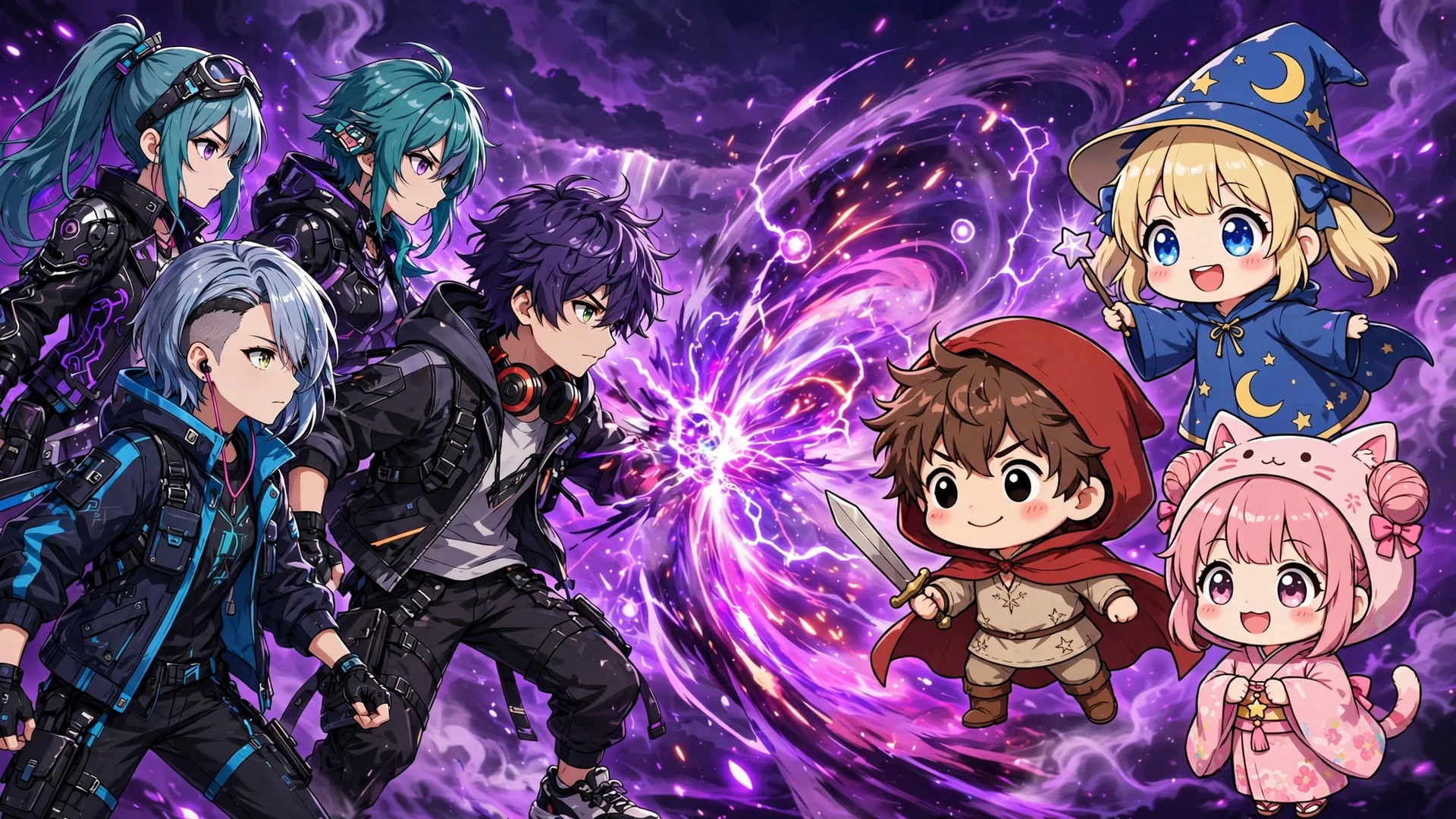
Quick answer: Gacha Life 2 is the better game for most players: 300 character slots, a full color slider, custom poses, and a bigger Studio Mode. Gacha Club still suits players who want ready-made poses for fast roleplaying and a Battle Mode, which the sequel does not emphasize.
At a Glance: Gacha Life 2 vs Gacha Club
| Feature | Gacha Life 2 | Gacha Club |
|---|---|---|
| Release | 2023 | 2020 |
| Character slots | 300 | 100 |
| Color slider | Full, any color | Limited palette |
| Poses | Fully custom, animatable | Large preset library |
| Item adjustment | Rotate and place anywhere | Basic adjustment |
| Studio Mode characters | Up to 16 per scene | Up to 10 per scene |
| Gacha Simulator | Yes | Yes |
| Battle Mode | Not emphasized | Yes, with RPG elements |
| Import/export codes | Enhanced | Standard |
| Life Mode | Simplified version planned | No |
| Price | Free | Free |
Character Slots: 300 vs 100
The raw numbers tell the story. Gacha Club gives you 100 character slots, which felt generous in 2020. Gacha Life 2 triples that to 300. For casual players the difference barely registers, but for creators who maintain full casts for multiple stories, 100 fills up fast. Players migrating from Club consistently name the slot count as one of the first upgrades they notice, because entire side casts that used to require deleting old characters now fit comfortably.
Customization Freedom: The Color Slider Changes Everything
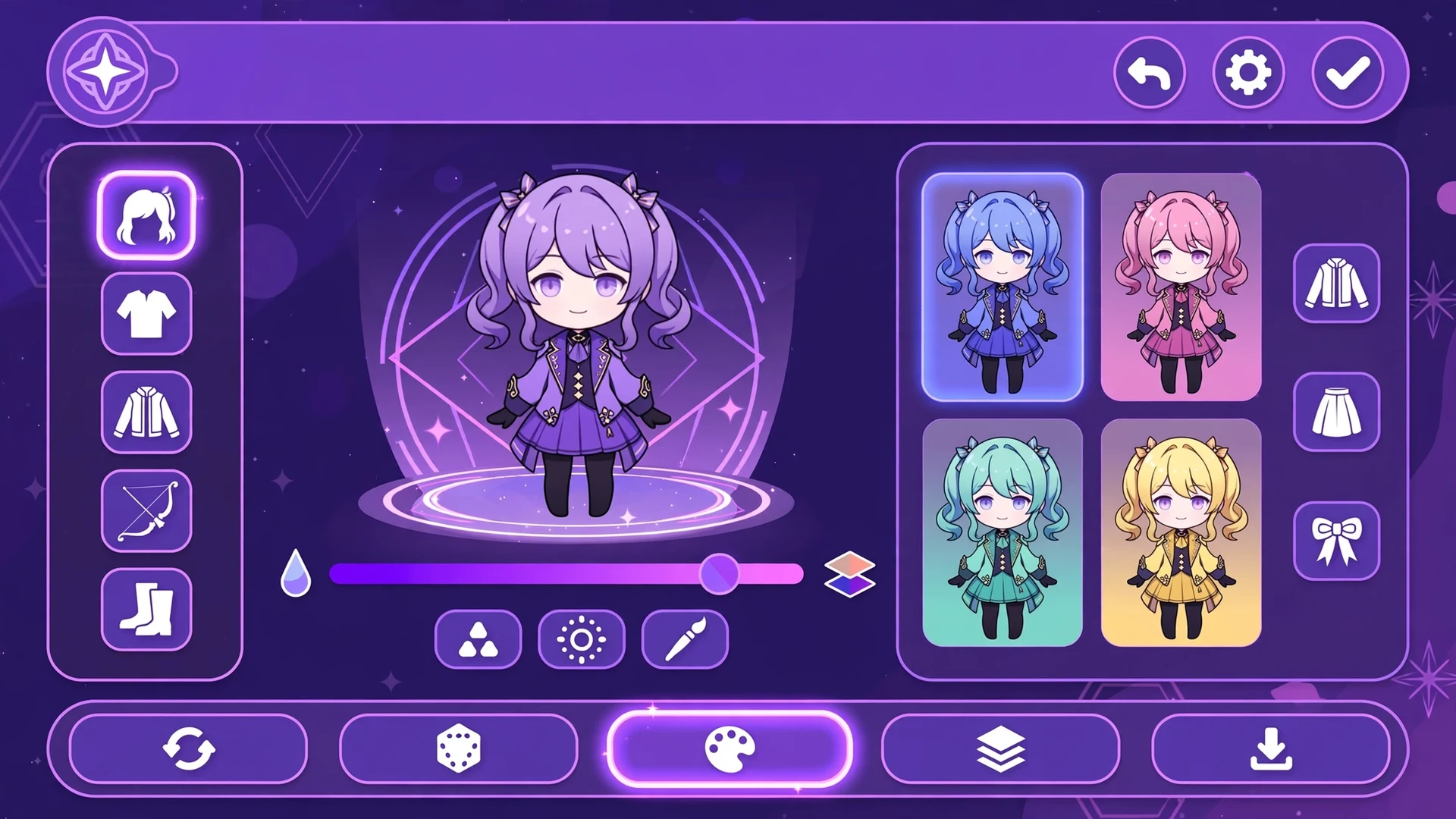
This is the single biggest creative gap between the two games. Gacha Club restricts you to preset color palettes, which is fine until you want a specific shade for a character's hair or outfit and it simply does not exist. Gacha Life 2 adds a full color slider, so any color you can imagine is one drag away, and it applies to clothing too, not just hair and eyes.
On top of that, Gacha Life 2 lets you adjust and rotate any item to any position on your character. Hats tilt, weapons angle, accessories sit exactly where you want them. Gacha Club has an adjust feature, but it is far more limited. The result is that two players can start from the same base items in Gacha Life 2 and end up with characters that look nothing alike. For the complete feature tour, see our complete Gacha Life 2 guide.
Poses: Custom Creation vs Ready-Made Library
Here the comparison flips depending on who you are. Gacha Club ships with a large library of preset poses: pick one and your character strikes it instantly. Gacha Life 2 takes the opposite approach with a fully custom pose editor, and you can even add animations to your poses.
Designers love the freedom. Roleplayers are more divided. Player reviews repeatedly make the same point: if you make videos or roleplay scenes quickly, building every pose from scratch in Gacha Life 2 can feel slow compared to grabbing a preset in Club. But if you want poses nobody else has, only the sequel gives you that. This is the one area where trying both games for an afternoon is genuinely the best advice.
Studio Mode: Bigger Casts, More Scenes
Studio Mode is where stories get built, and Gacha Life 2 expands it on every axis. You can place up to 16 characters in a single scene compared to Club's 10, and you get more room to save and reload your scenes compared to Club. Combined with the custom poses and the larger background selection, scene composition in the sequel feels like a real upgrade rather than a reskin.
The interface is flexible too, supporting portrait and landscape orientations, which matters when you are framing a 16-character scene on a phone. If your main activity is making Gacha videos or mini-movies, this section alone justifies the switch.
Mini-Games and Daily Play
Gacha Club packs in more side content: a set of mini-games plus the DJ Show rhythm feature, all feeding you gems and bytes for the simulator and shop. It is the busier game moment to moment, which suits players who like having something to do beyond designing characters. Gacha Life 2 keeps its focus narrower, centering on creation, posing, and scene building, with the Gacha Simulator as its main progression loop.
Neither approach is objectively better. If you open the game mostly to unwind with quick activities, Club's variety wins. If you open it with a character idea in your head, the sequel gets out of your way faster. Know which player you are and the choice makes itself.
Community Content: Which Game Fuels Your Feed
The Gacha community on YouTube, TikTok, and Instagram runs on both games, but the trend lines point one way. New tutorials, pose packs, and OC showcases increasingly target Gacha Life 2, because creators follow the toolset: the color slider and custom poses produce results that simply look more current. Club content has not disappeared, and its six-year tutorial library remains useful, but the momentum is with the sequel.
This has a practical consequence for learning. If you pick up Gacha Life 2 today, you will find fresh guides for whatever you want to do. If you pick up Club, you will find more guides total, but the newest ones are aging. For a beginner in 2026, learning the game the community is actively teaching is the easier path.
Gacha Simulator: Present in Both
Both games include the Gacha Simulator where you spend in-game currency to collect preset characters, including rare ones. The mechanics are familiar if you have played either game, and both are free to play with no required spending. Gacha Life 2's simulator benefits from the new art style and an expanded roster of collectible characters, but functionally this is a tie, not a differentiator.
Battle Mode: Gacha Club's Exclusive
Gacha Club has a full Battle Mode with RPG elements: elemental attributes, turn-based combat, towers, and training. Gacha Life 2 does not emphasize battling; it is built around creation, posing, and storytelling. If combat gameplay is a big part of why you play, Club remains the only choice between the two. Most of the Gacha audience plays for creation rather than combat, which is why Lunime focused the sequel where it did, but the gap is real for battlers.
Import and Export: Enhanced Sharing in the Sequel
Both games use offline codes to share characters, but Gacha Life 2's import/export system is enhanced to be more reliable, and it now covers custom poses as well as characters. That last part matters: in Club you could share a character, but a pose you invented stayed locked to your device. In the sequel your signature poses travel with the same ease as your OCs. Our Gacha Life 2 codes guide covers the whole workflow.
Art Style and Assets
Gacha Life 2 introduces a new art style with redrawn assets, more face accessories, and fresh clothing items that never appeared in Gacha Life or Gacha Club. One honest caveat from Lunime: a few assets were removed because some artists who worked on them are no longer involved with the project. Longtime Club players will notice a handful of missing items, but the sequel's catalog is larger overall, so the net change is strongly positive.
Performance and App Size
Gacha Club is the lighter app. It is older, its assets are simpler, and it runs well on low-end phones that struggle with modern games. Gacha Life 2 demands more: the new art style, larger asset catalog, and pose editor need a reasonably current device to stay smooth. On a flagship phone from the last few years you will not notice a difference, but on a budget device from 2019 or earlier, Club's snappiness is a genuine advantage.
Practical tip: if Gacha Life 2 stutters on your phone, set the in-game quality to Low and close background apps before judging it. Most performance complaints about the sequel come from devices running it at default settings with a dozen apps open, not from the game being badly optimized.
Update Pace: Which Game Gets More Attention?
Lunime's development energy is clearly on Gacha Life 2. The sequel receives the new items, the stability patches, and the headline features, with version 0.96 being the current release in 2026. Gacha Club still works fine and remains available, but it is in maintenance territory: expect it to keep running, not to keep growing.
This matters for a simple reason. Every month you invest in building a 100-character roster in Club is a month of work in a game whose toolset is frozen, while the same effort in Gacha Life 2 compounds with each update. Unless Battle Mode or instant poses are non-negotiable for you, building your main roster in the actively developed game is the smarter long-term bet.
What Gacha Club Still Does Better
Fairness demands a proper accounting of Club's surviving strengths, because they are real. First, speed: opening Club and dropping a character into a preset pose takes seconds, while the same moment in Gacha Life 2 involves the pose editor. For roleplayers who produce daily content, that speed compounds into hours saved weekly. Second, Battle Mode has genuine depth with its elemental system and tower progression, and nothing in the sequel replaces it. Third, familiarity: millions of tutorials, pose packs, and community resources were built around Club over six years, and that library does not vanish overnight.
None of these make Club the better game overall, but they explain why it still has a loyal player base in 2026. The players who stay are not uninformed; they have simply optimized for a different workflow.
Switching Checklist: Moving From Club to Gacha Life 2
- Install the sequel first: get Gacha Life 2 from the official app store and confirm it runs well on your device before migrating anything.
- Prioritize your roster: with 300 slots you can bring everyone, but start with your main cast and rebuild them with the color slider for instant upgrades.
- Recreate signature poses: screenshot your favorite Club presets, then rebuild them in the pose editor so your visual style survives the move.
- Save new export codes: the moment a rebuilt character is done, export its code. Do not rely on memory or screenshots alone.
- Keep Club installed: there is no reason to delete it. Your old roster stays safe, and Battle Mode remains one tap away.
Can You Transfer Characters From Gacha Club to Gacha Life 2?
Not directly. Import codes are game-specific, so a Gacha Club code will not work in Gacha Life 2. The practical method is recreation: open your Club character as a reference and rebuild it in the sequel, which is faster than it sounds because the customization tools are more powerful. Many players treat the move as a redesign opportunity, using the color slider and pose editor to improve characters they originally made years ago.
Which Should You Play? The Honest Verdict
- Play Gacha Life 2 if: you want maximum creative freedom, 300 slots, custom poses, the color slider, bigger Studio scenes, or you are starting fresh in 2026.
- Play Gacha Club if: you mainly want fast roleplaying with ready-made poses, you love Battle Mode, or your device struggles with newer apps.
- Play both if: you are a creator who wants Club's pose library for quick skits and the sequel's tools for flagship characters. They coexist fine on one device.
For most players in 2026, Gacha Life 2 is the right answer. It is newer, actively updated, and better in nearly every creative dimension. Gacha Club is not obsolete, it is just specialized now: the quick-pose roleplay game and the battler's choice.

Frequently Asked Questions
Is Gacha Life 2 better than Gacha Club?
For most players it is, thanks to 300 character slots, the color slider, custom poses, and a larger Studio Mode.
Is Gacha Club still worth playing in 2026?
It remains worth playing for fast roleplaying with preset poses and for its Battle Mode, which the sequel lacks.
How many character slots does Gacha Life 2 have?
Gacha Life 2 has 300 character slots, triple the 100 slots in Gacha Club.
Can I use my Gacha Club characters in Gacha Life 2?
Codes do not transfer between games, so Club characters must be recreated manually in Gacha Life 2.
Does Gacha Life 2 have Battle Mode?
Gacha Life 2 does not emphasize battling, while Gacha Club includes a full Battle Mode with RPG elements.
Which game is better for making Gacha videos?
Gacha Life 2 is better for videos with 16 characters per scene, custom animated poses, and savable scenes.
Are both games free?
Both Gacha Life 2 and Gacha Club are completely free to download and play.
Do I need to delete Gacha Club to install Gacha Life 2?
Both games install and run side by side with no conflicts, so you can keep your Club characters.
Conclusion
Gacha life 2 vs gacha club is not really a close fight on paper: the sequel wins on slots, color, poses, and Studio size, while Club holds two niches in quick roleplay poses and Battle Mode. If you create characters, tell stories, or make videos, move to Gacha Life 2 and do not look back.
Keep Gacha Club installed if battling or instant poses are part of your routine, since both games live happily on one device. Either way, start from the official app stores only, and find more guides on the Gacha Nebula APK Mod homepage.